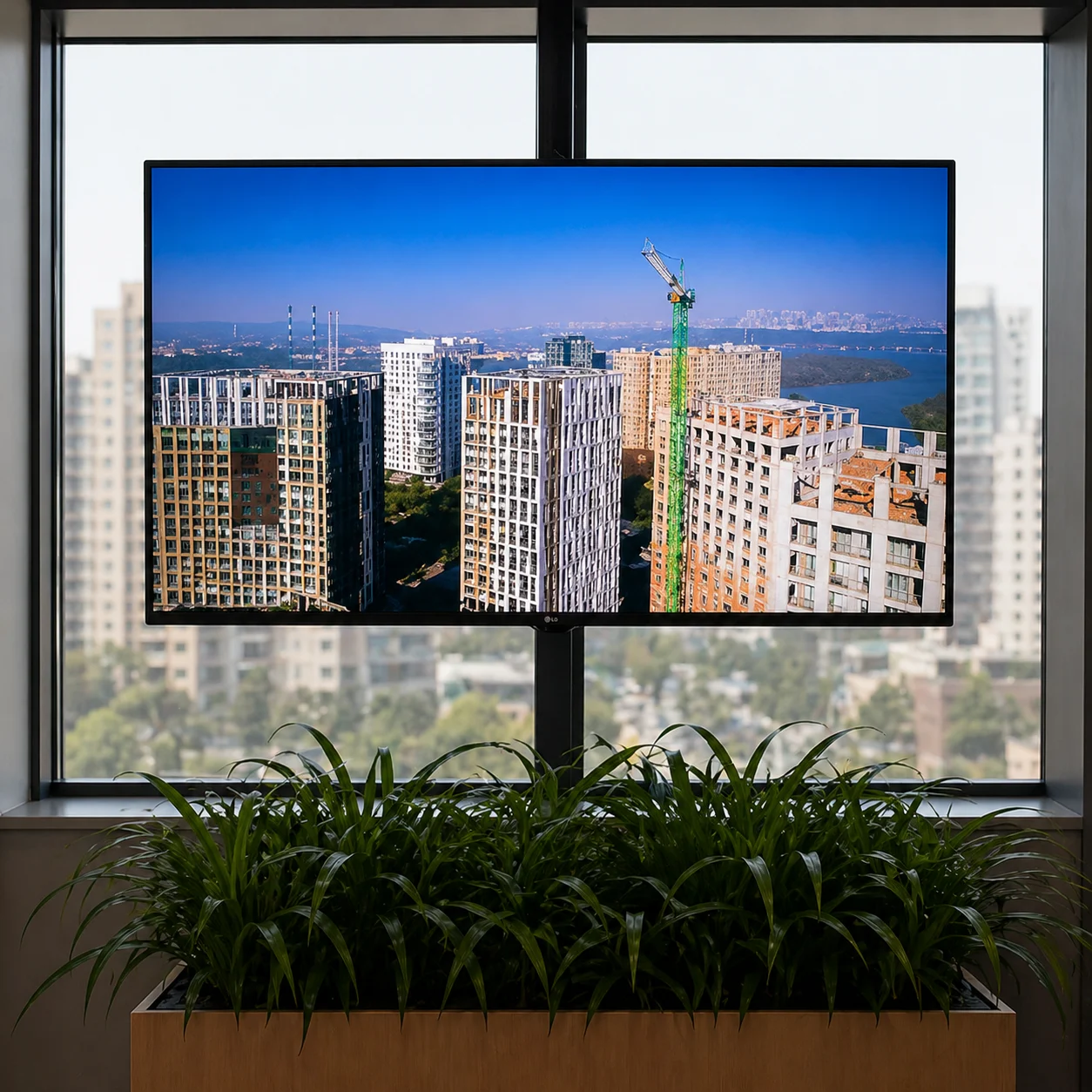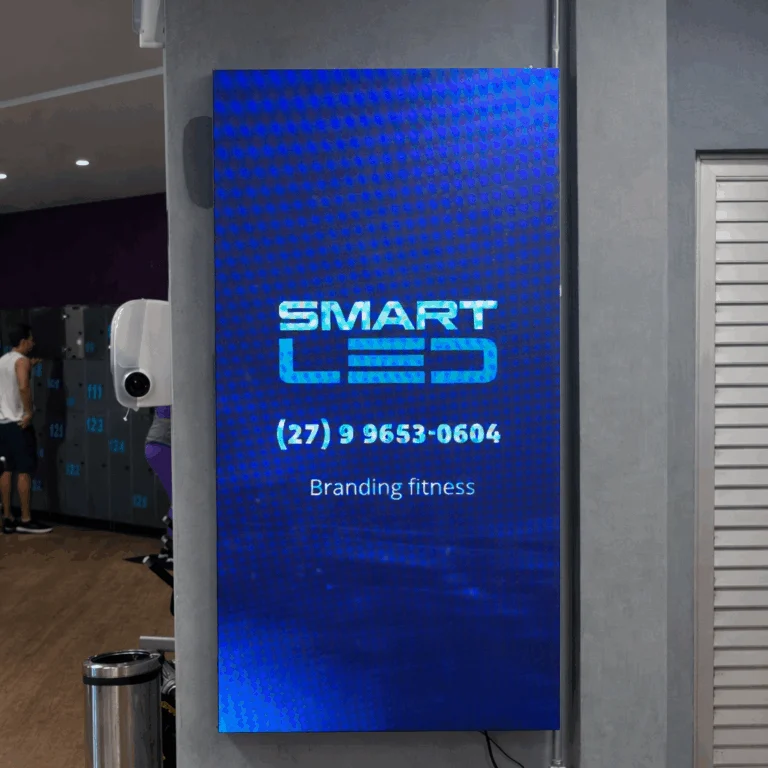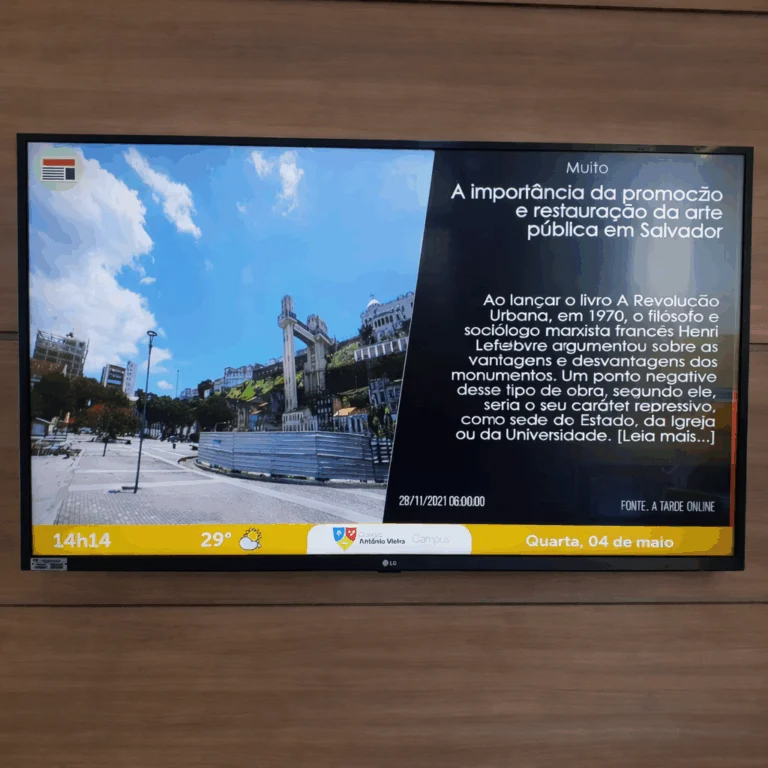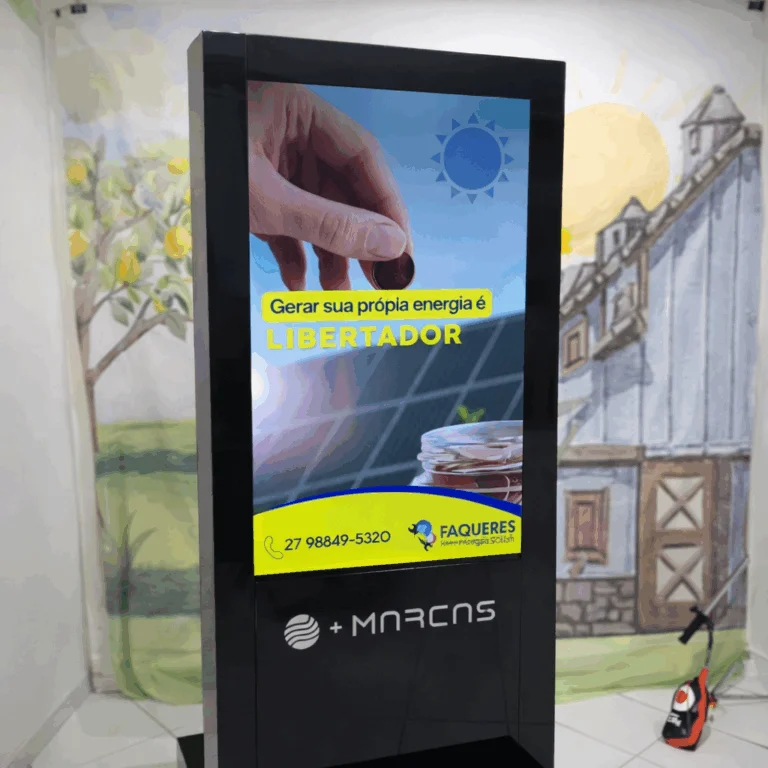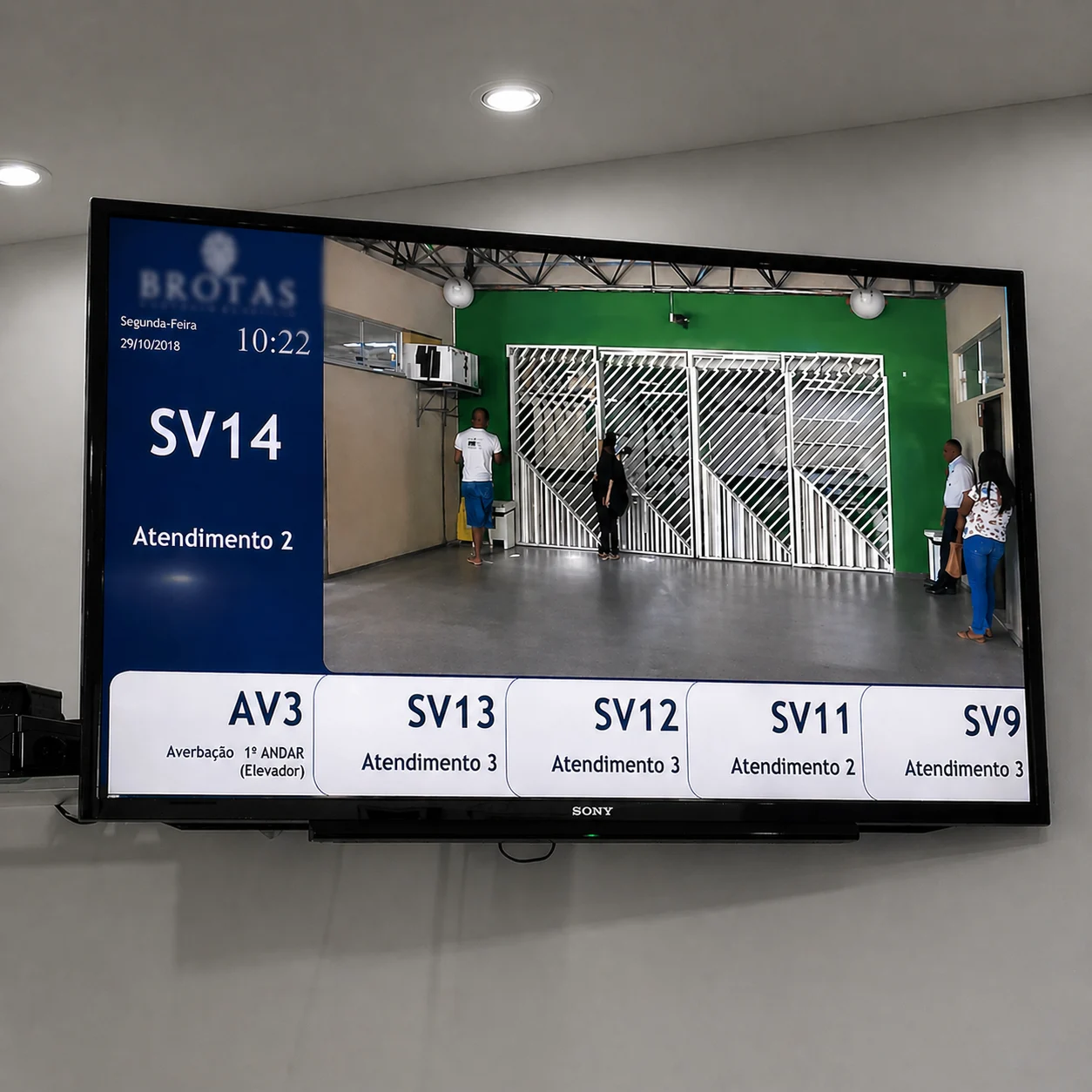

Neonews is the ideal platform for managing digital content

Neonews is the ideal platform to manage your content

Display diverse content on your company equipment, including monitors, TVs, tablets, smartphones and LED panels. Create your own TV channel.

No credit card. Or talk to sales on WhatsApp.

Screen layouts with frames

One screen, several contents at the same time.

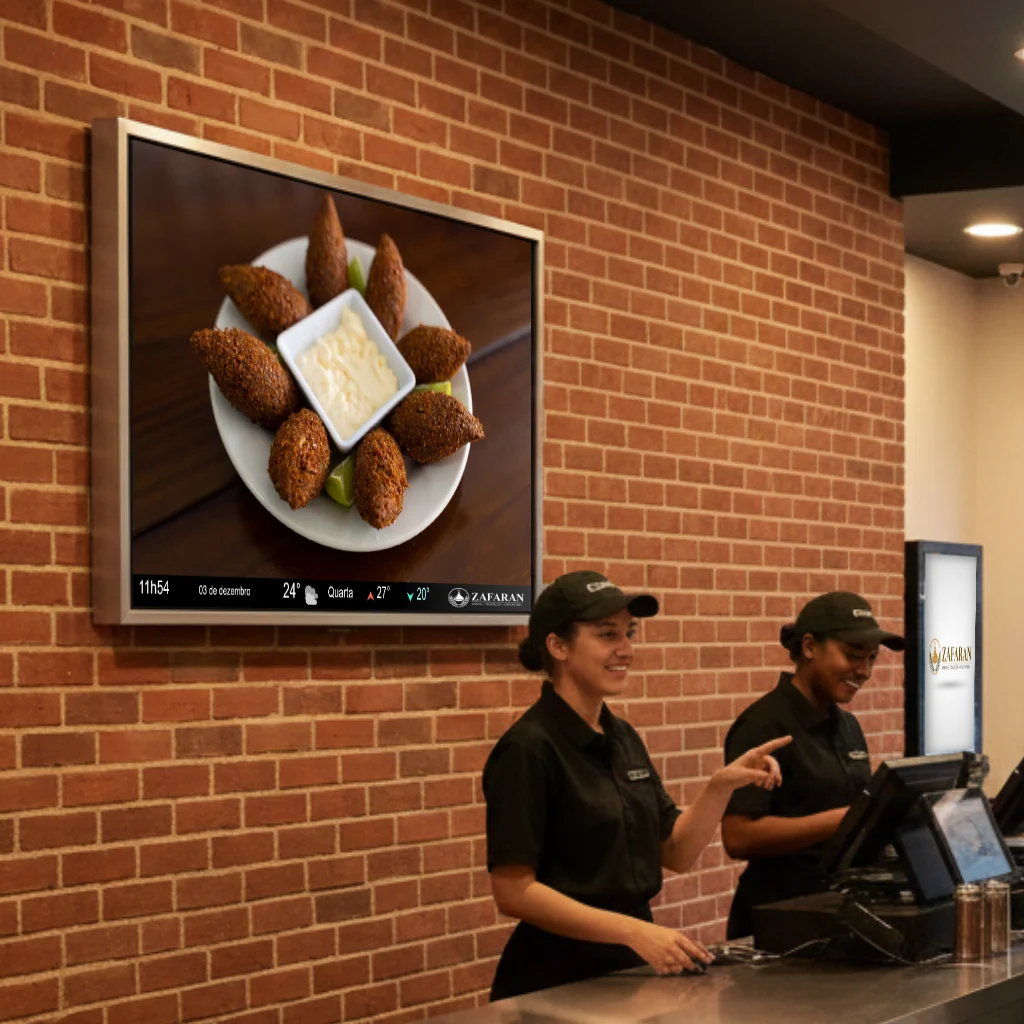
Split the screen into frames and fill each area with what matters: the featured ad, news on the side and a bar with the weather and the time. No video editing and no redoing the artwork.

  • Ready-made layouts: full screen, two frames, L with a bar or four areas.
  • Each frame with its own content: campaigns, news, weather, quotes and social media.
  • Horizontal or vertical: the layout follows the screen orientation.
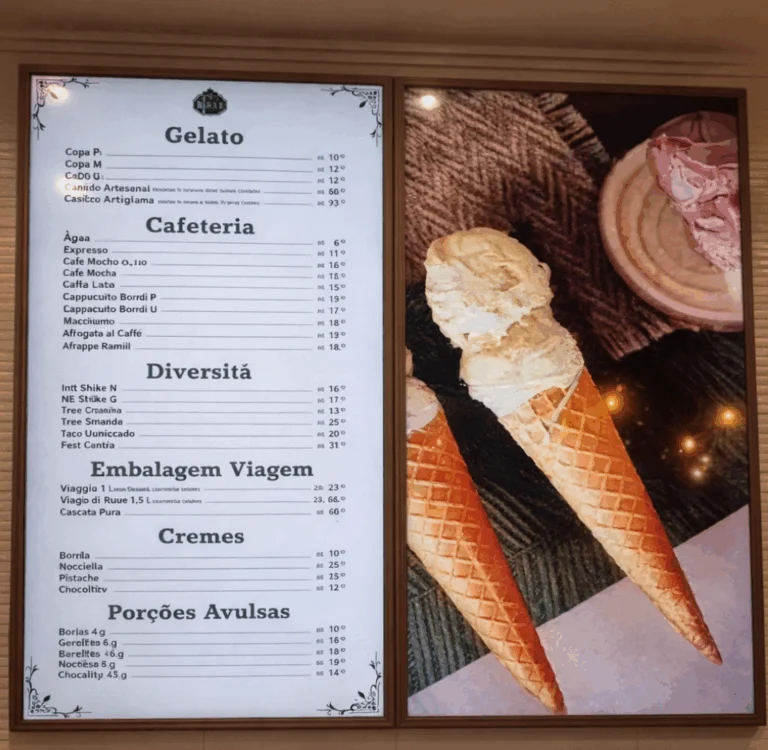
  • Menu board: the menu on one or several TVs side by side, with prices updating instantly.
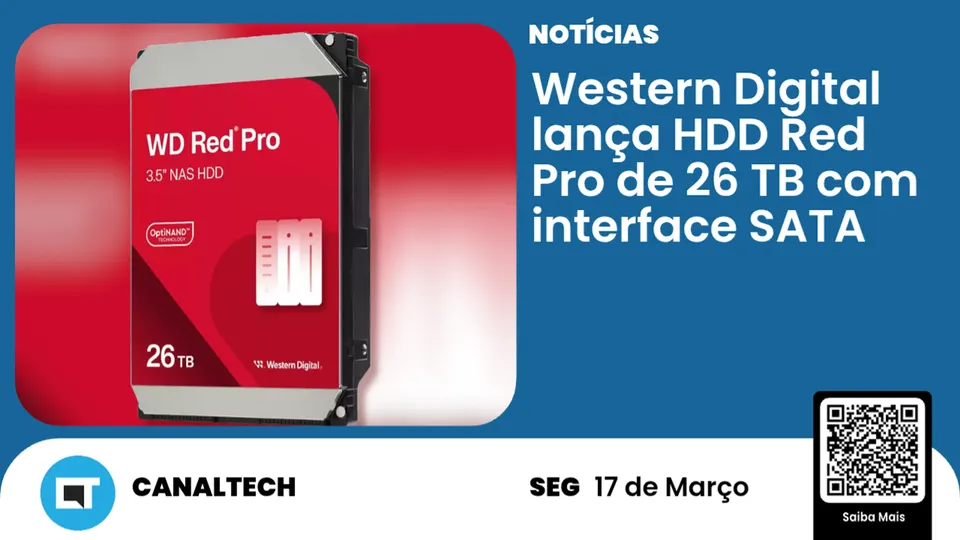
  • 66 ready-made templates already laid out in frames.
Ad
News
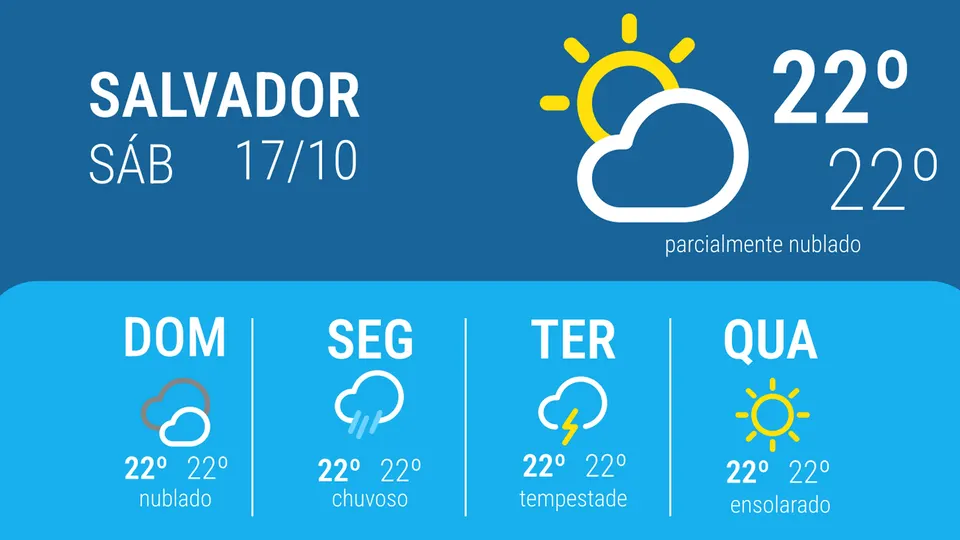
Weather
14:32USD R$ 5.42 · Ibovespa +0.8% · Bakery special until Saturday

Tap the layouts to see the screen change.

Spotlight: menu board

The menu on 2, 3 or 4 TVs side by side.

Build the TV wall behind the counter: each screen shows part of the menu, all in sync. Change prices, the combo of the day and photos in Studio, and the TVs update instantly.

Menu board with burgers and prices
Menu board featuring the combo of the day
Menu board with drinks and prices
Menu board with desserts and prices

Tap the number of TVs to see the wall change.

Template gallery

Hundreds of templates ready to use.

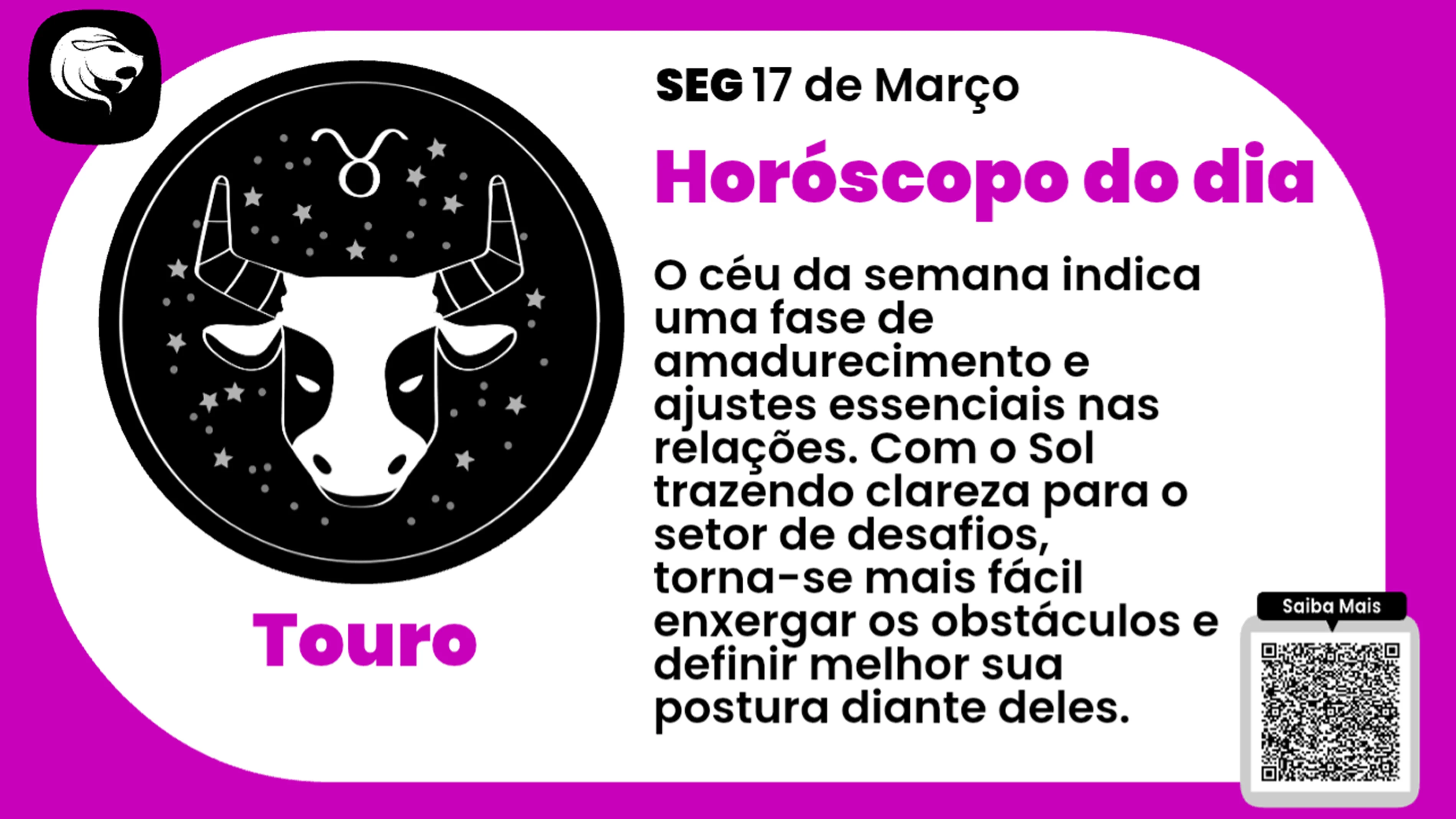
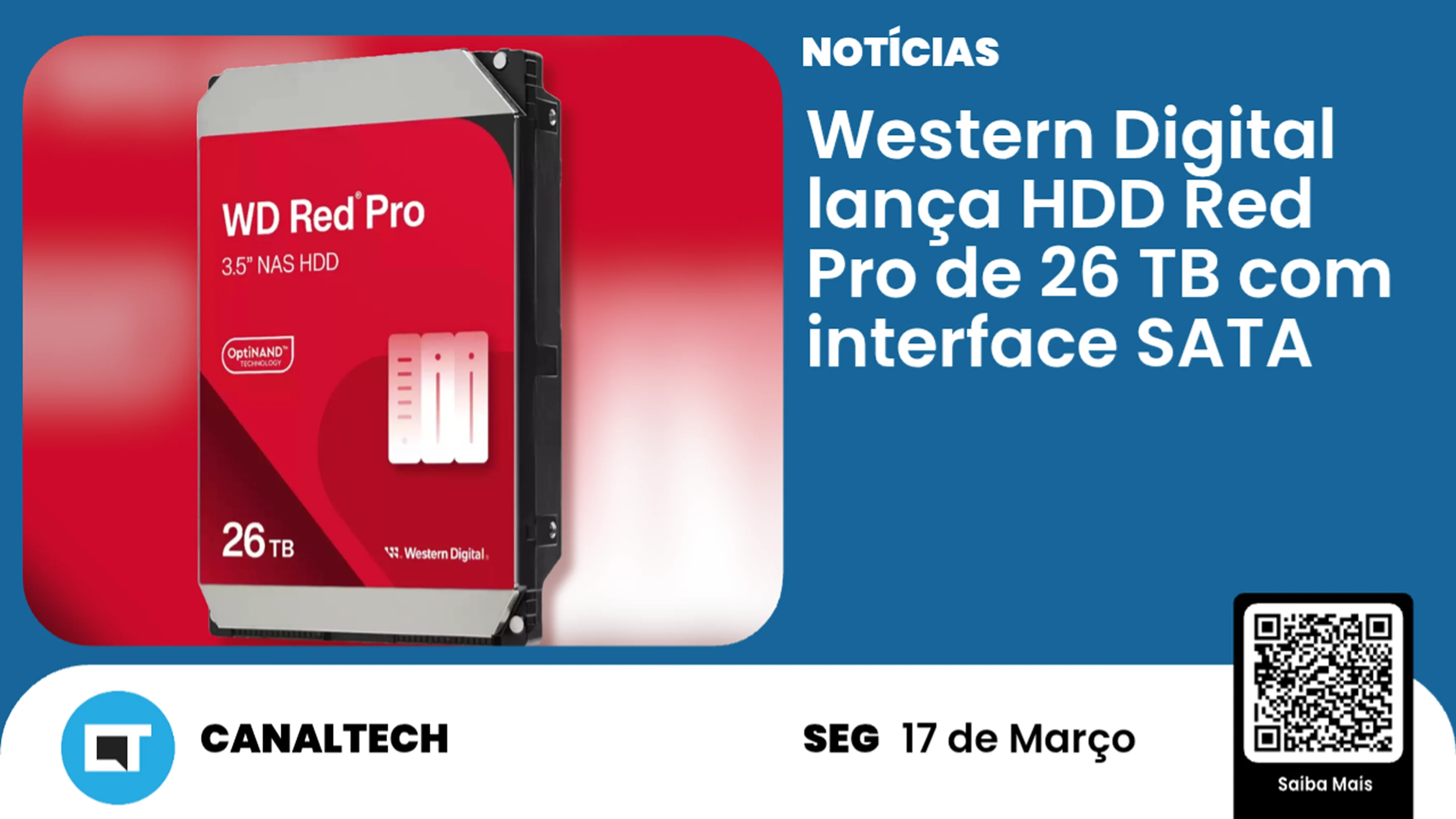
News, weather, sports, lotteries, horoscope, quotes, notices and holidays. Pick a theme, adjust the colors and go live, without hiring a designer.

640+HTML5 templates
470+for horizontal screens
160+for vertical screens
27content themes

Reliability

Built not to freeze. 24 hours, 7 days.

A dark screen is a lost advertiser. That is why NeoNews was built to run all day, in any environment, even where nobody is watching the equipment.

Plays offline

The player downloads the content before playing it. If the network goes down, the screen keeps playing.

Recovers on its own

Scheduled restarts and network recovery bring the screen back without anyone going on site.

Monitored 24/7

Status of every screen on the dashboard and an email alert when one goes offline.

In-house technology

Android and Windows player built by us, used in networks with more than a thousand screens.

We are a technology company, not a media company. We have been building NeoNews since 2008 and were the first in the industry with an Android player. Try it free

Choose the best solution for your type of business

Neonews icon
Corporate TV icon

Corporate TV

Internal communication channel that replaces static bulletin boards with dynamic screens, increasing employee engagement and making sure important announcements reach everyone in real time.

Digital signage icon

Digital Signage

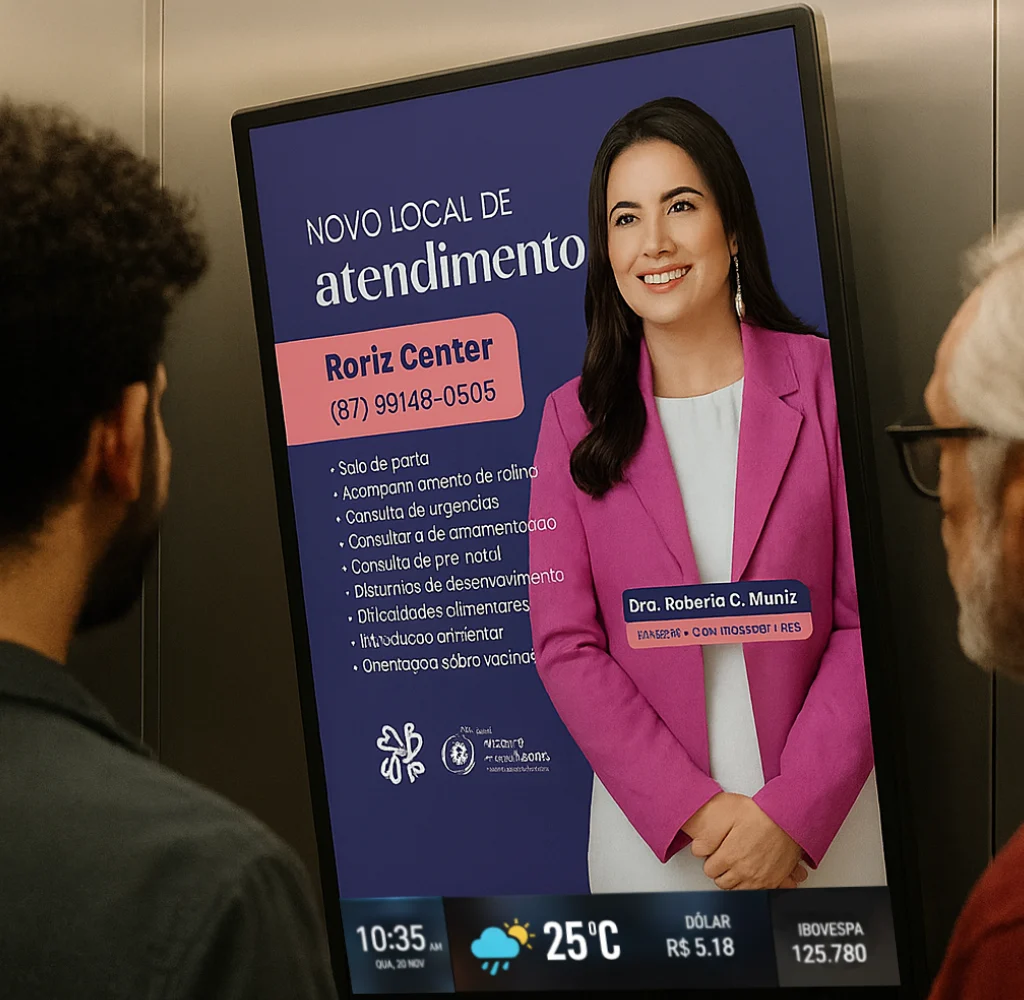
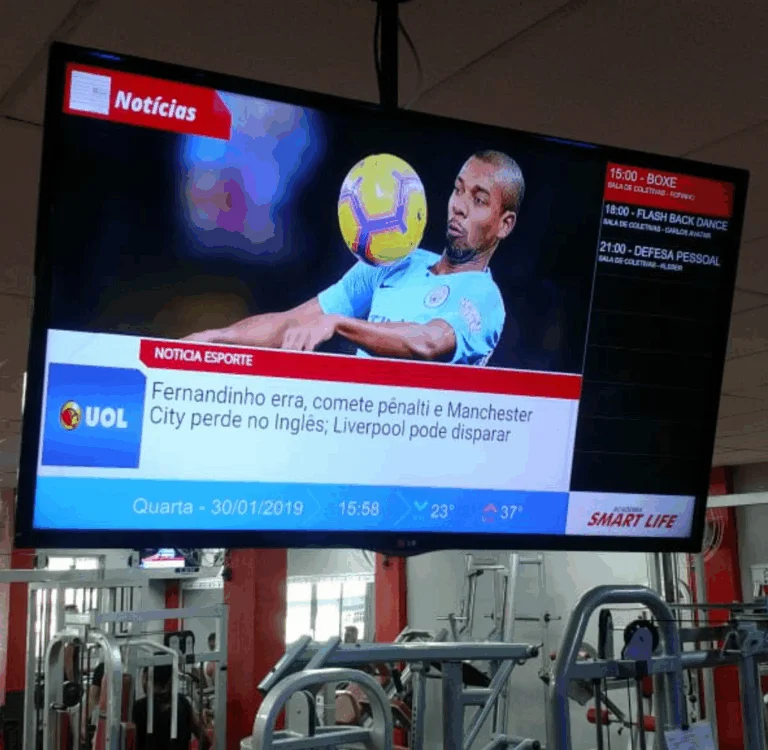
Remote screen-network management to broadcast ads, news and information in strategic locations, ensuring high visual impact and full control over what is displayed to your audience.

Menu board icon

Digital Menu Board

Digital menus for restaurants and retail that allow instant updates to prices and dishes, reducing print costs and encouraging sales with attractive images.

Satisfaction survey icon

Satisfaction Survey

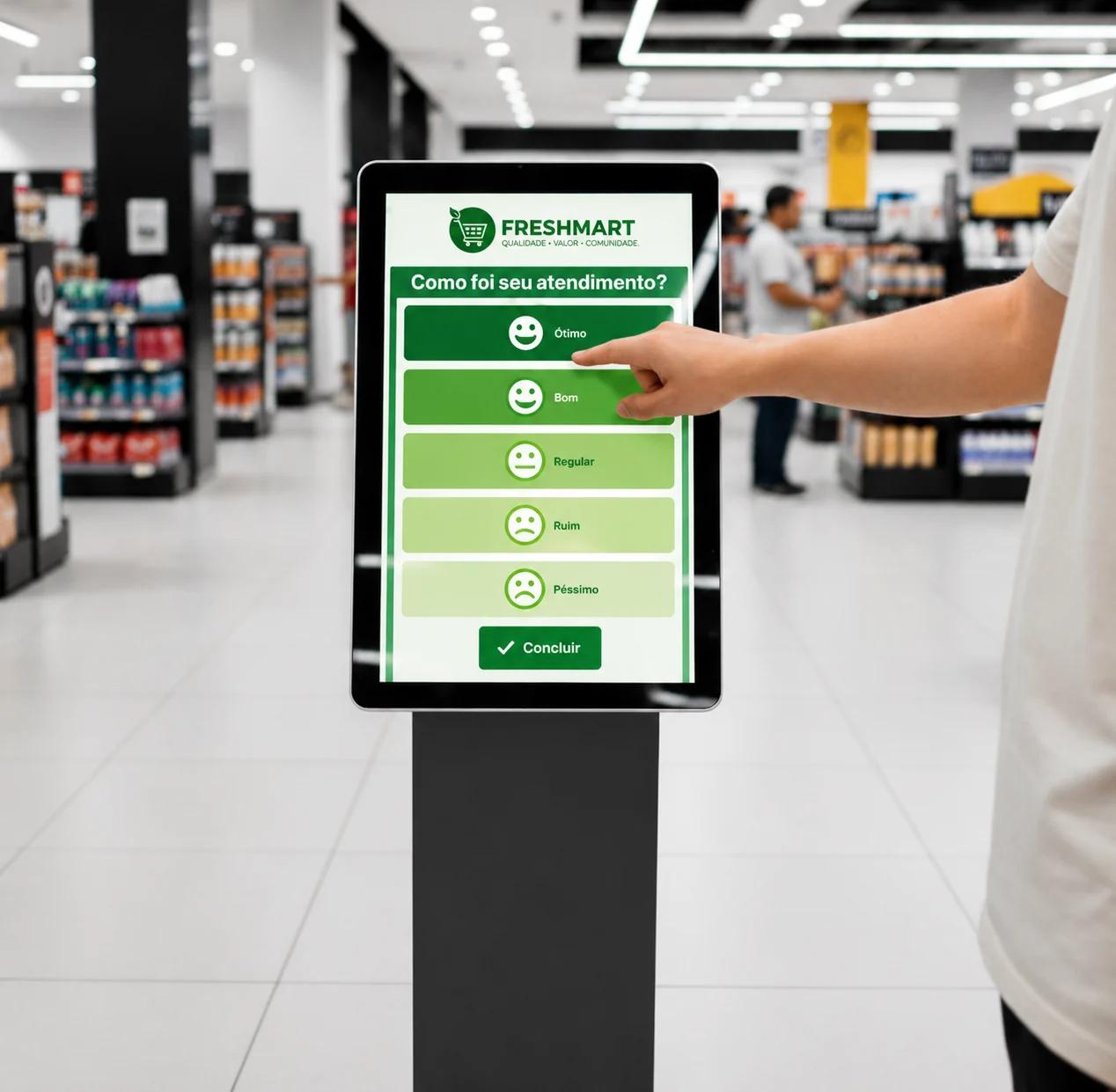
Tool for real-time feedback collection through interactive screens, helping monitor audience satisfaction and make fast decisions to improve the customer experience.

Schedule icon

Schedule Grid

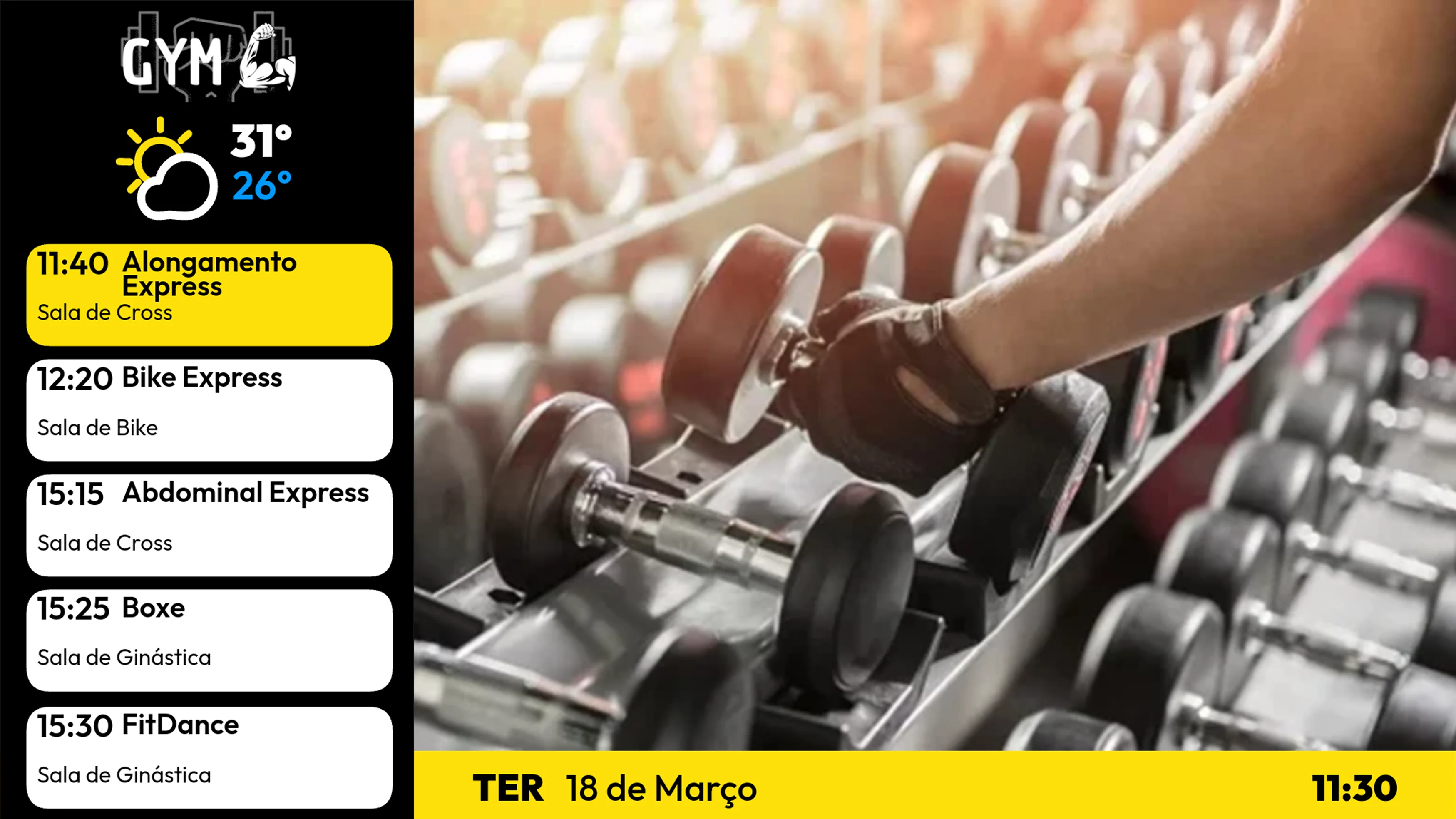
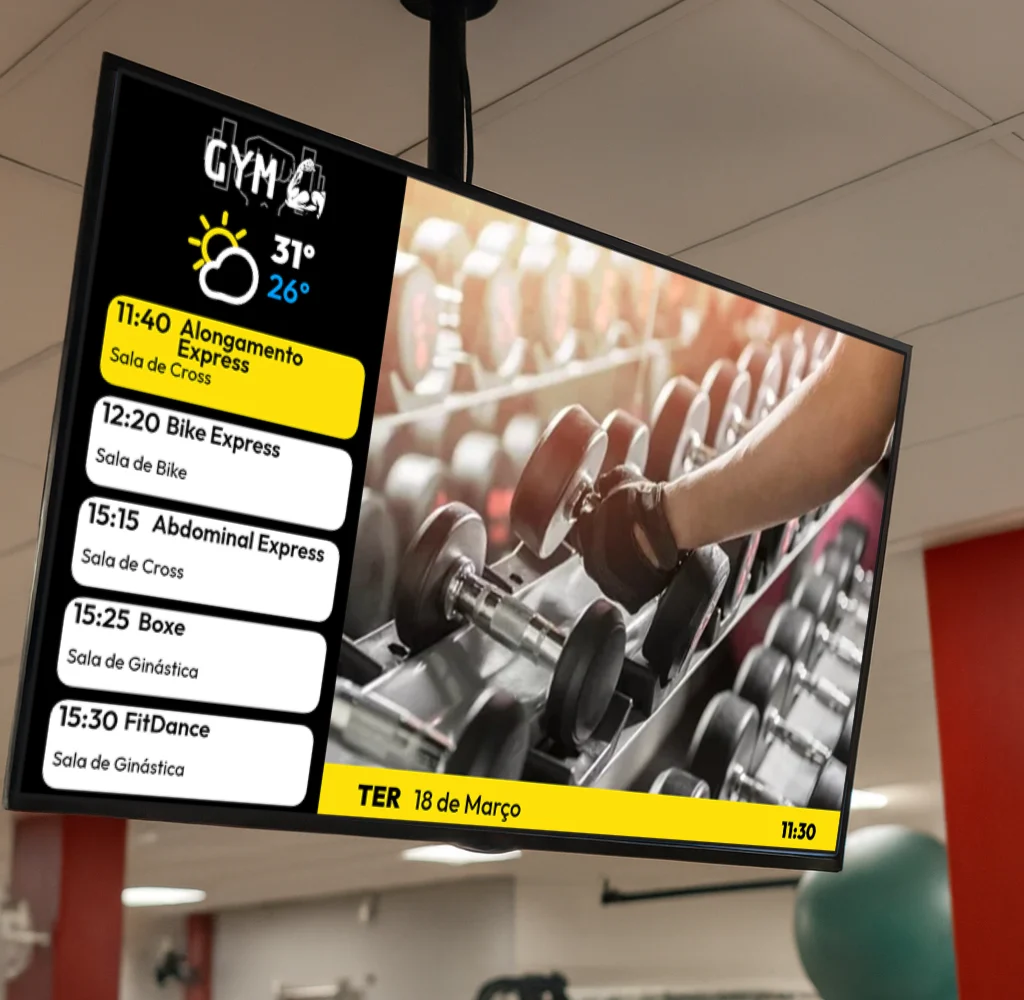
Automated display of schedules for gyms, schools and colleges, making logistics easier with accurate information about rooms, classes and instructors.

Transit media icon

In-Car Media

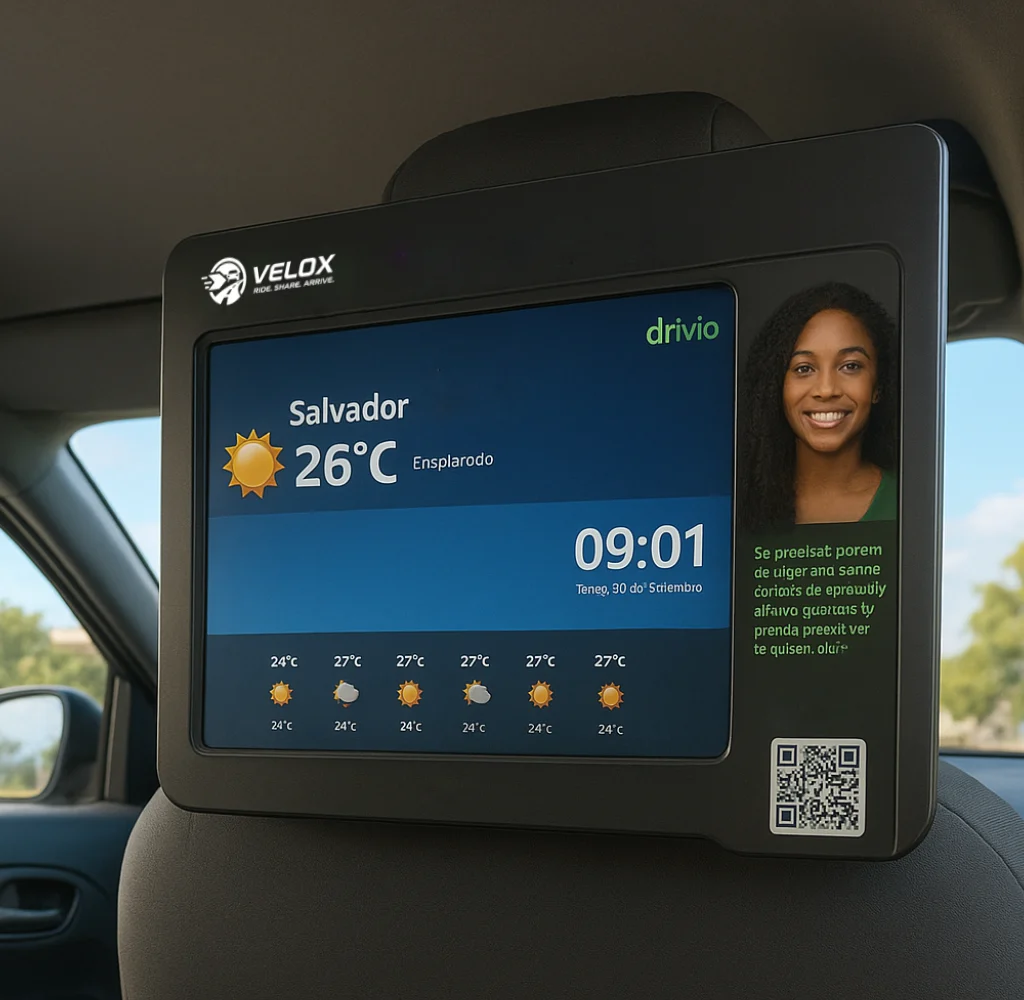
Entertainment and advertising system installed in ride-share cars, buses or taxis, allowing targeted content to reach passengers.

Content integration icon

Content Integration

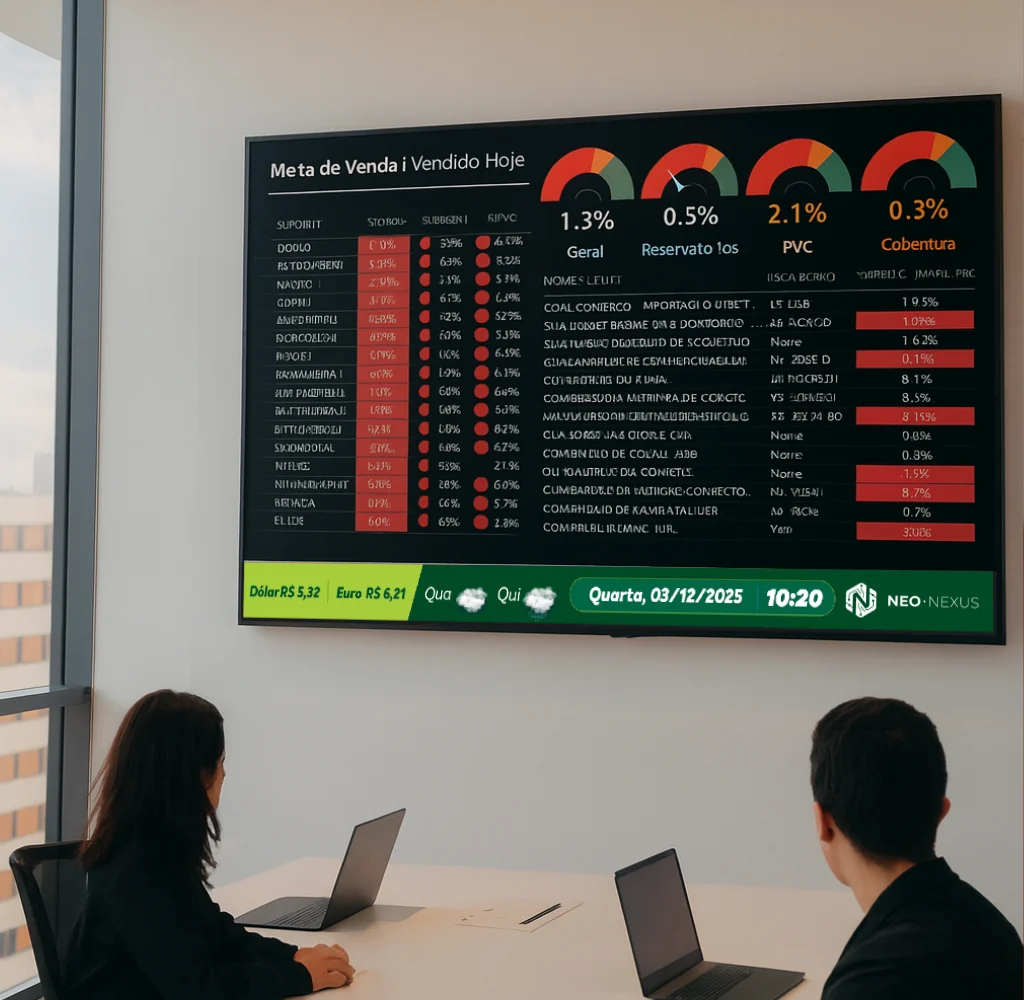
Smart connection between the software and external sources, such as Power BI and social media, turning complex data into visual dashboards.
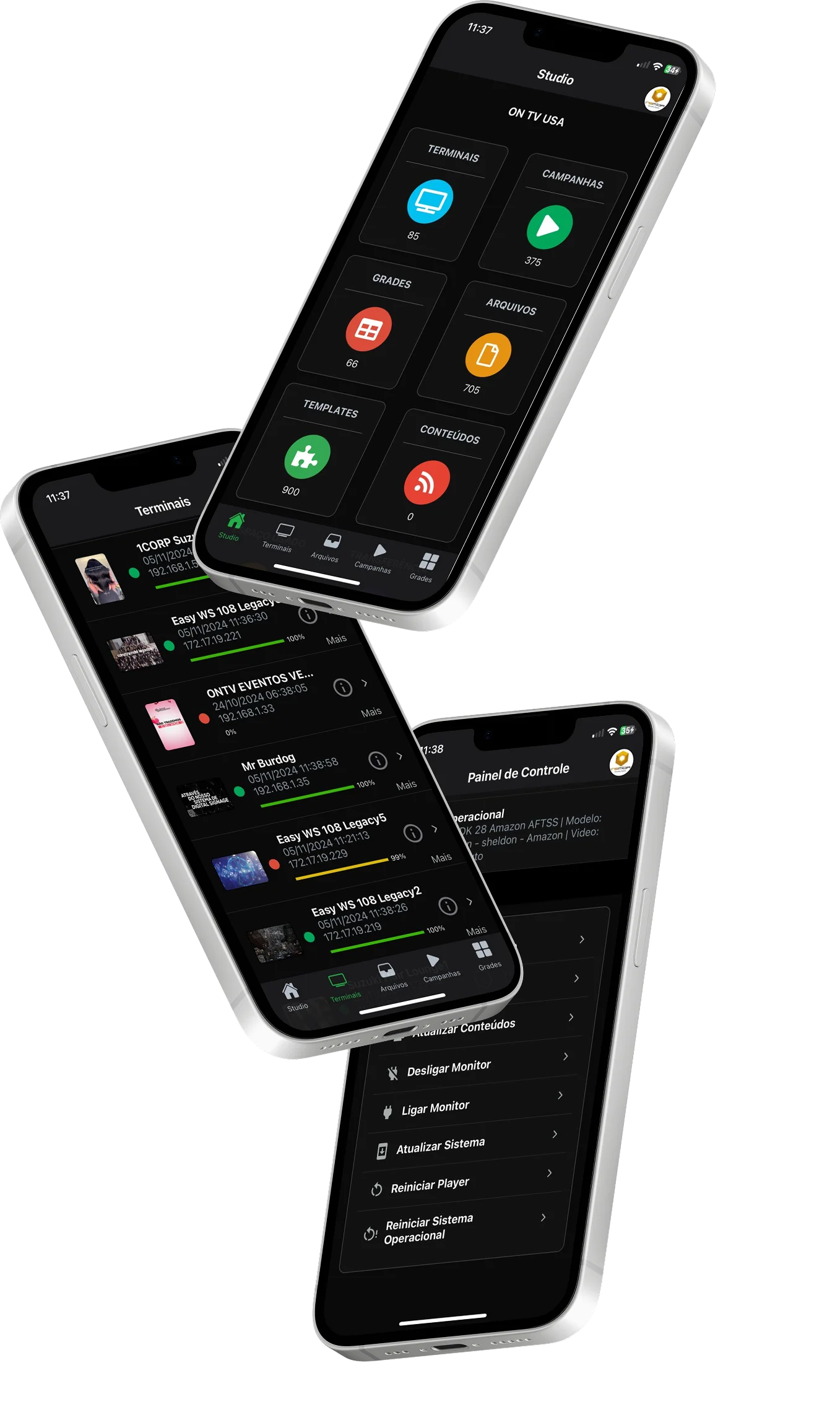
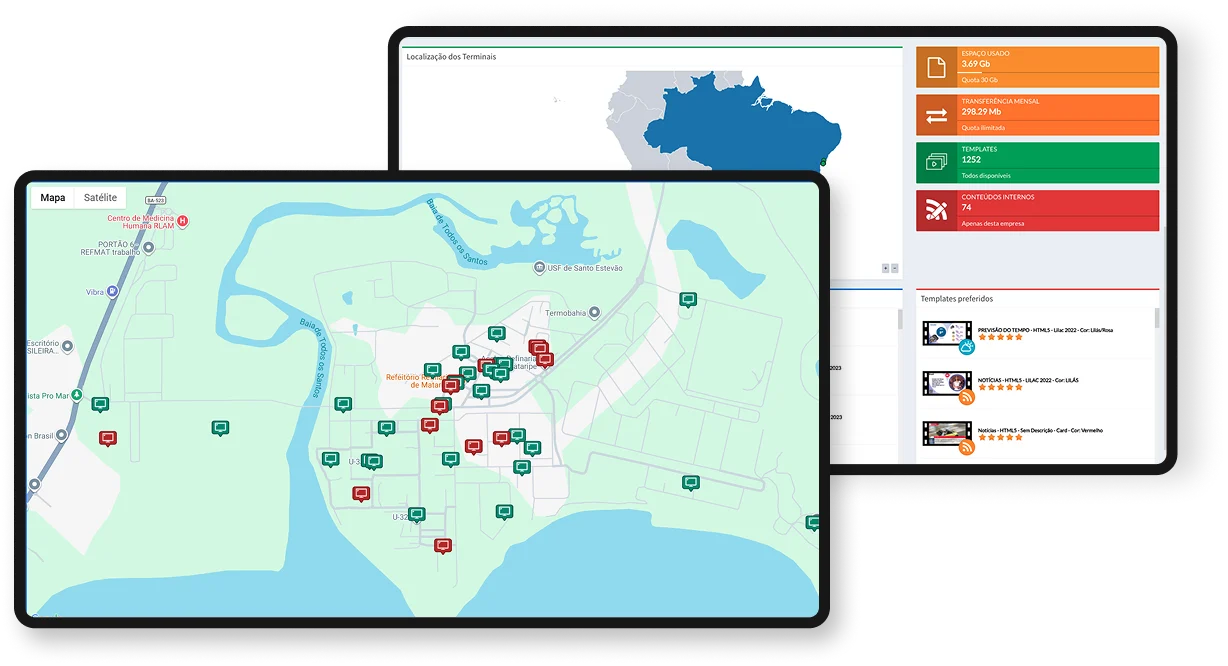
Vertical Neonews mockup on digital communication screens

Enhance your visual communication with Neonews advanced features

System features icon

System Features

Control all internal programming for your business in a simple way.

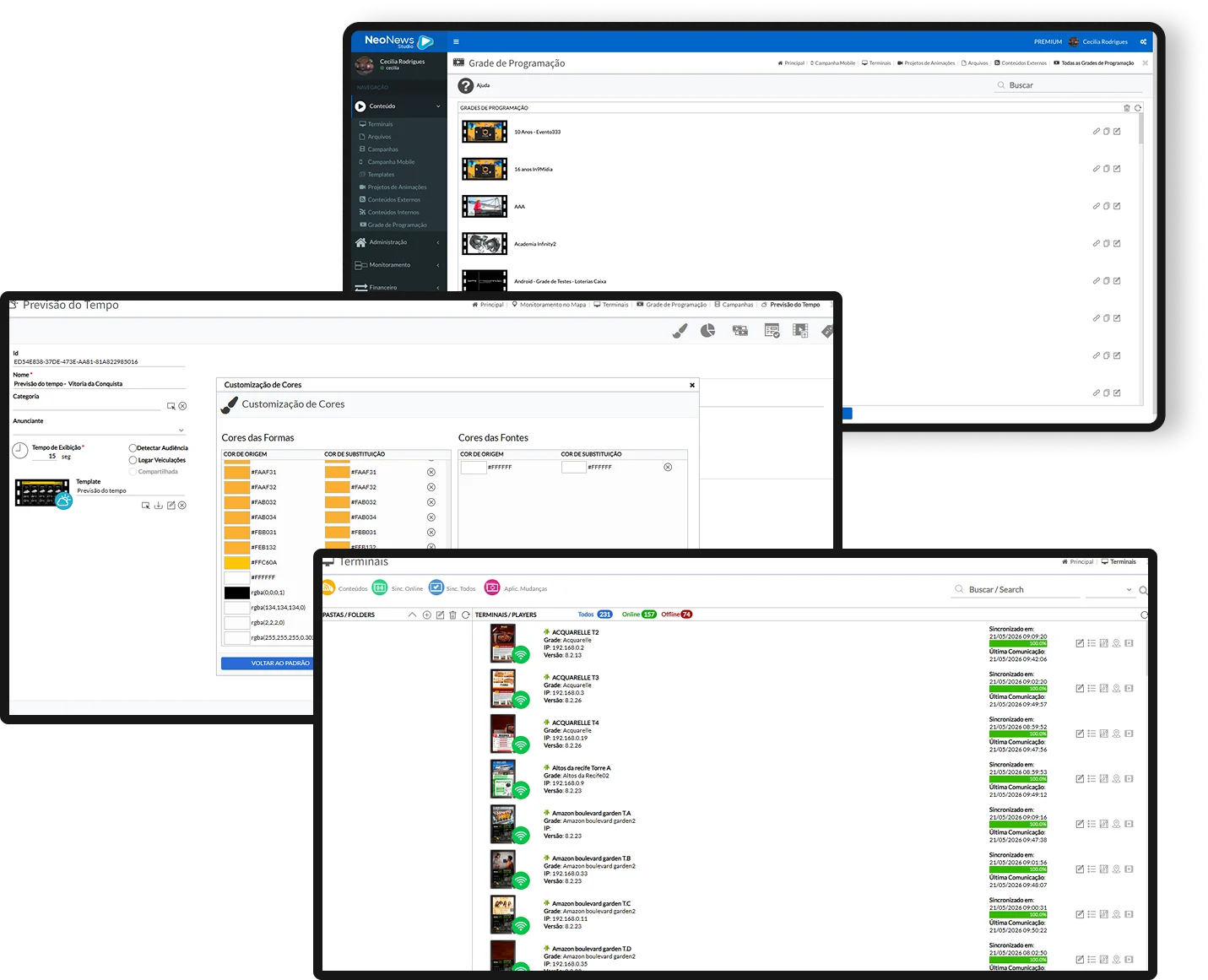
Includes terminal monitoring tools, allowing you to check campaign audience and effectiveness.

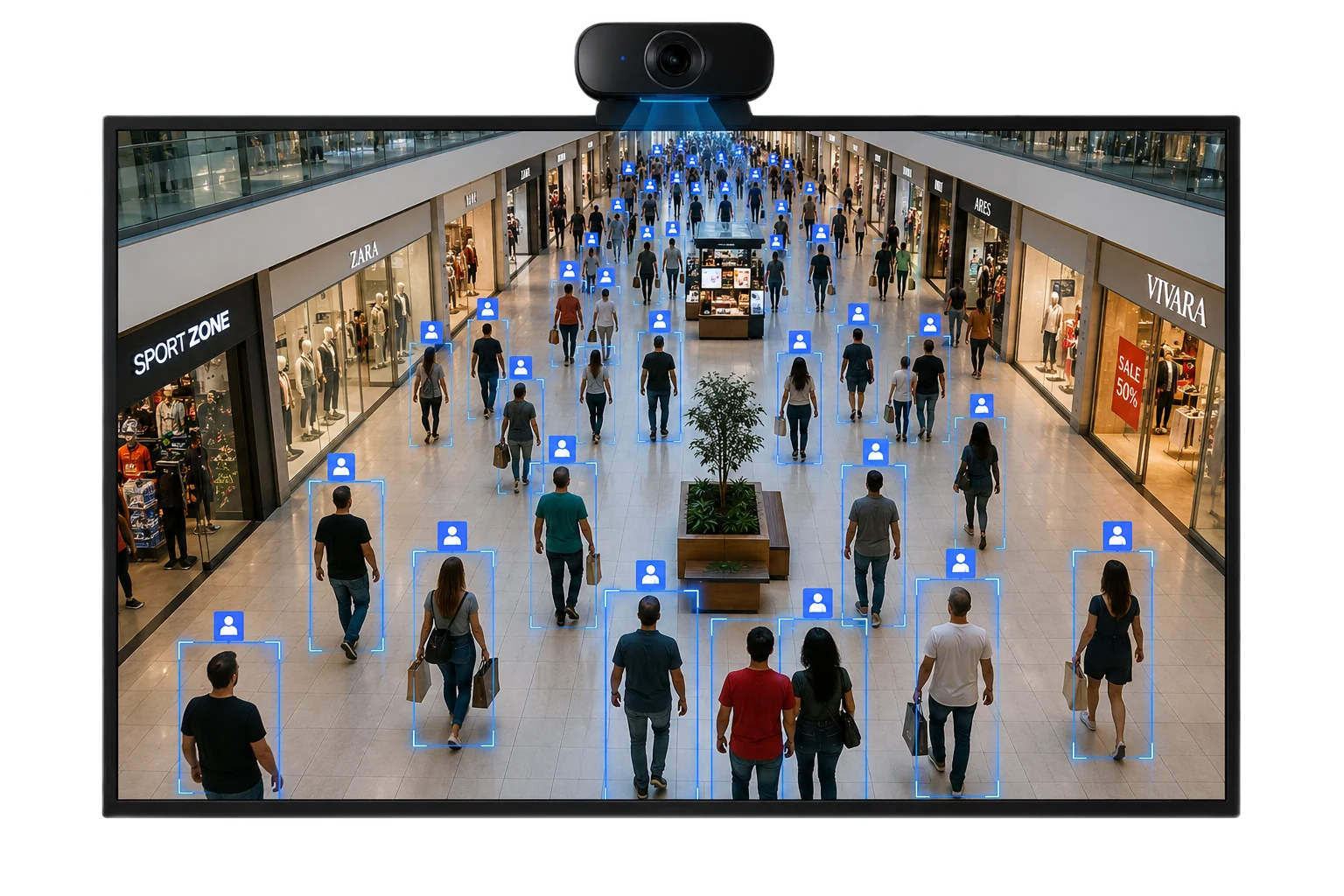
Facial recognition algorithms through cameras can count viewers and provide impact metrics.

Detailed reports and location maps are available.

Internal content scheduling in Neonews
Illustration of AI applied to audience measurement
Digital signage icon

AI audience recognition

Count how many people watch your content.

Use AI to track screen audiences and understand the real reach of your communication.

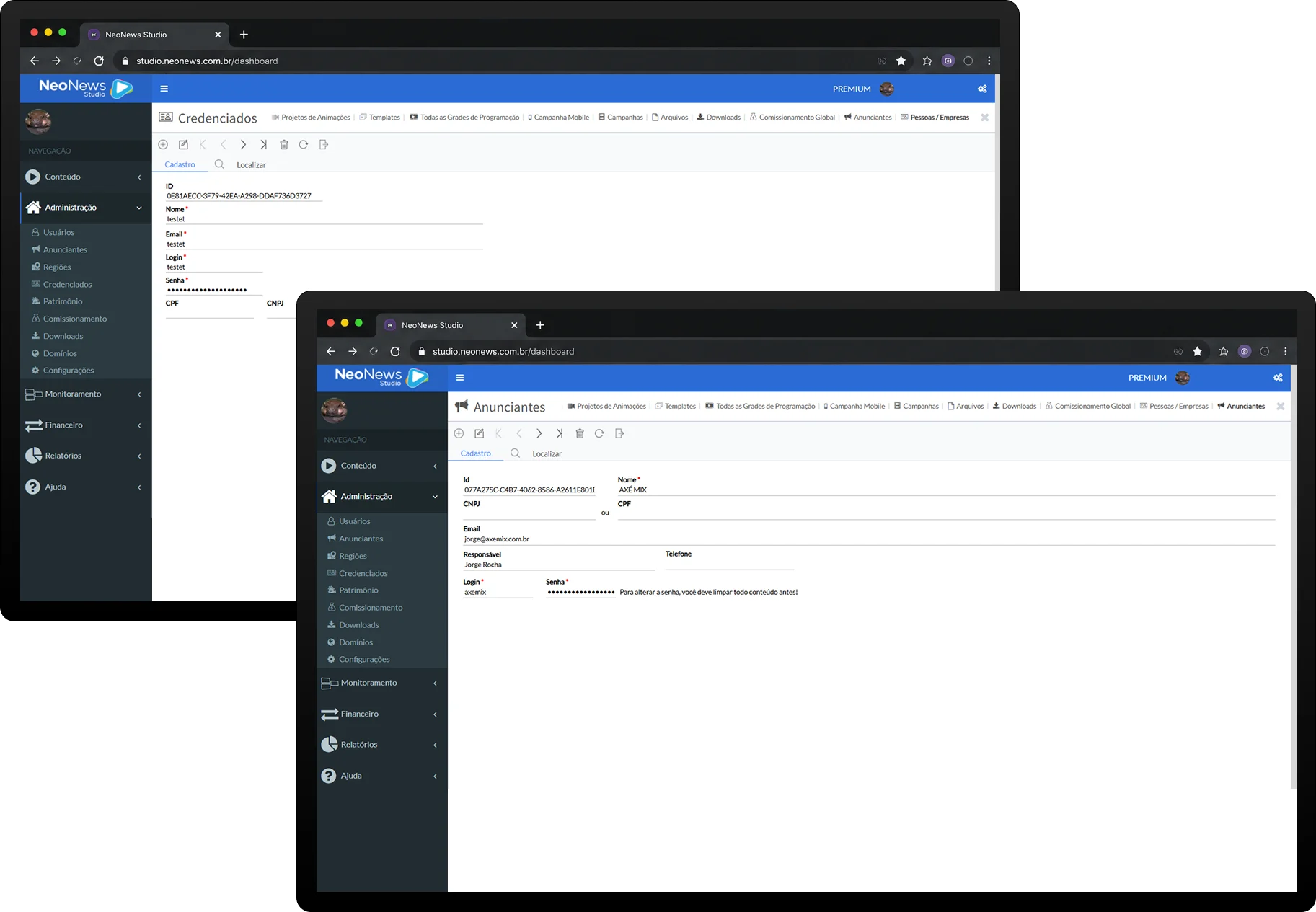
Contas de credenciados e anunciantes no Neonews
Remote management icon

Credenciados e Anunciantes

Create accounts to manage part of the schedule or monitor ads.

Let a partner or advertiser follow their ads, track results or manage specific areas of the schedule.

Digital signage example for brand positioning
Apps and schedule icon

Remote Management

Highlight your company in strategic placements to generate interest.

Full programming control through a web browser, with support for several media formats such as videos, images, HTML, news feeds and live broadcasts.

Apps and schedule icon

Customize your Templates

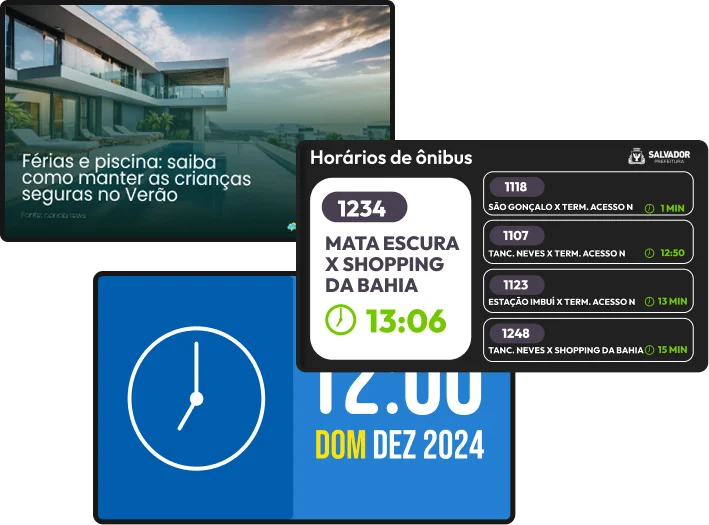
Use predefined layout models

Promote your products, information, prices and offers in an attractive, modern way using videos and animations.

Modelos de layouts prontos no Neonews
Content channels integrated with Neonews
Content channels icon

Manage your Content Channels

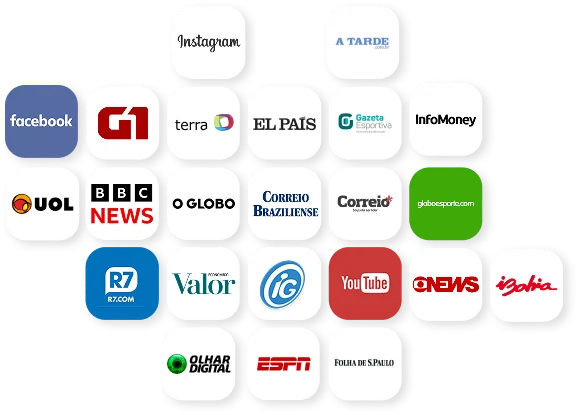
Access several content channels

Our platform offers a wide range of ready-made content, such as news, weather and entertainment, allowing you to manage dynamic, diverse and segmented programming automatically. With Neonews, you ensure high visual quality and relevant information for your audience.

Apps and schedule icon

Apps

Improve performance with dedicated apps

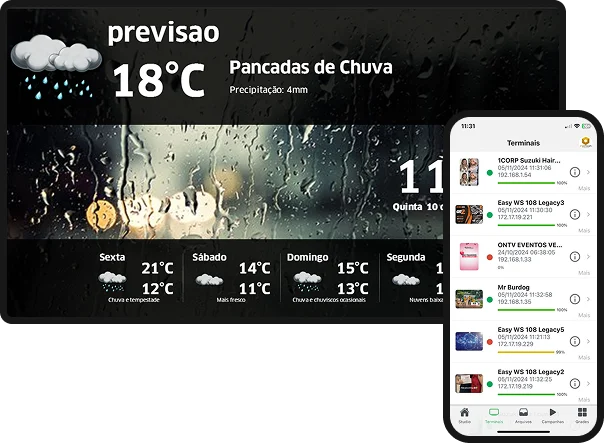
NeoNews Mobile Studio: App for managing content and campaigns directly from your phone.
NeoNews Digital Signage Player: Content player for display terminals.

Dedicated apps to improve Neonews operations
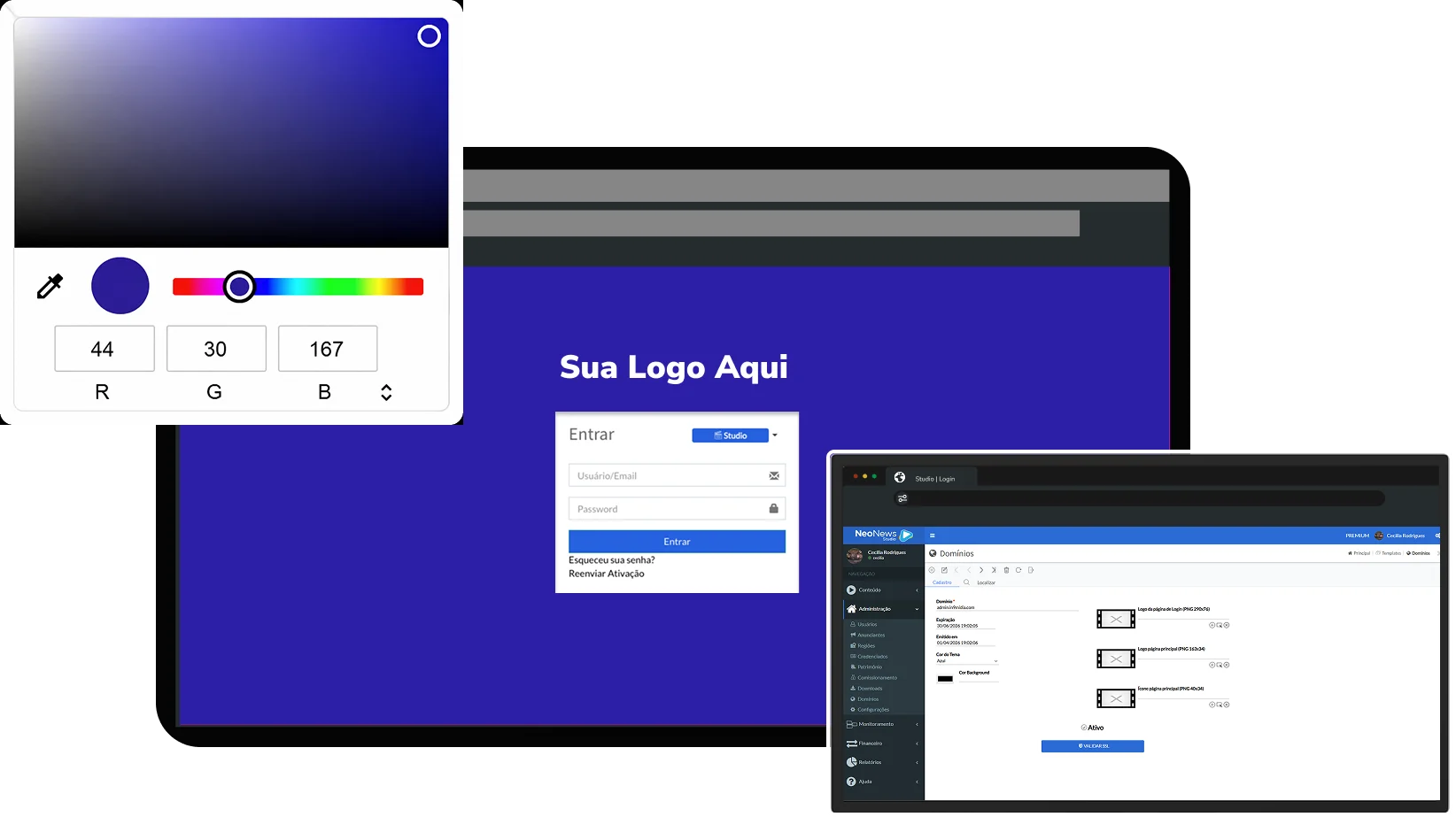
Personalizacao white label do Neonews

Customization

Adapt Neonews to your brand identity.

Customize colors, logo, login screen and white label settings to deliver an experience aligned with your business.

Management in the Palm of Your Hand

Real-time management icon

Real-time management: control content and campaigns instantly from anywhere, using your smartphone or tablet.

Intuitive interface icon

Intuitive interface: simple, fluid navigation that enables quick adjustments without desktop access.

Screen monitoring icon

Efficient monitoring: view terminal status and locations on integrated maps for easier supervision.

Content flexibility icon

Content flexibility: supports several formats, such as videos, images and announcements, for dynamic visual communication.

Full mobility icon

Full mobility: perfect for field managers, enabling campaign activation or deactivation during visits to display points.

System information icon

Full mobility: perfect for field managers, enabling campaign activation or deactivation during visits to display points.
Explore Mobile App

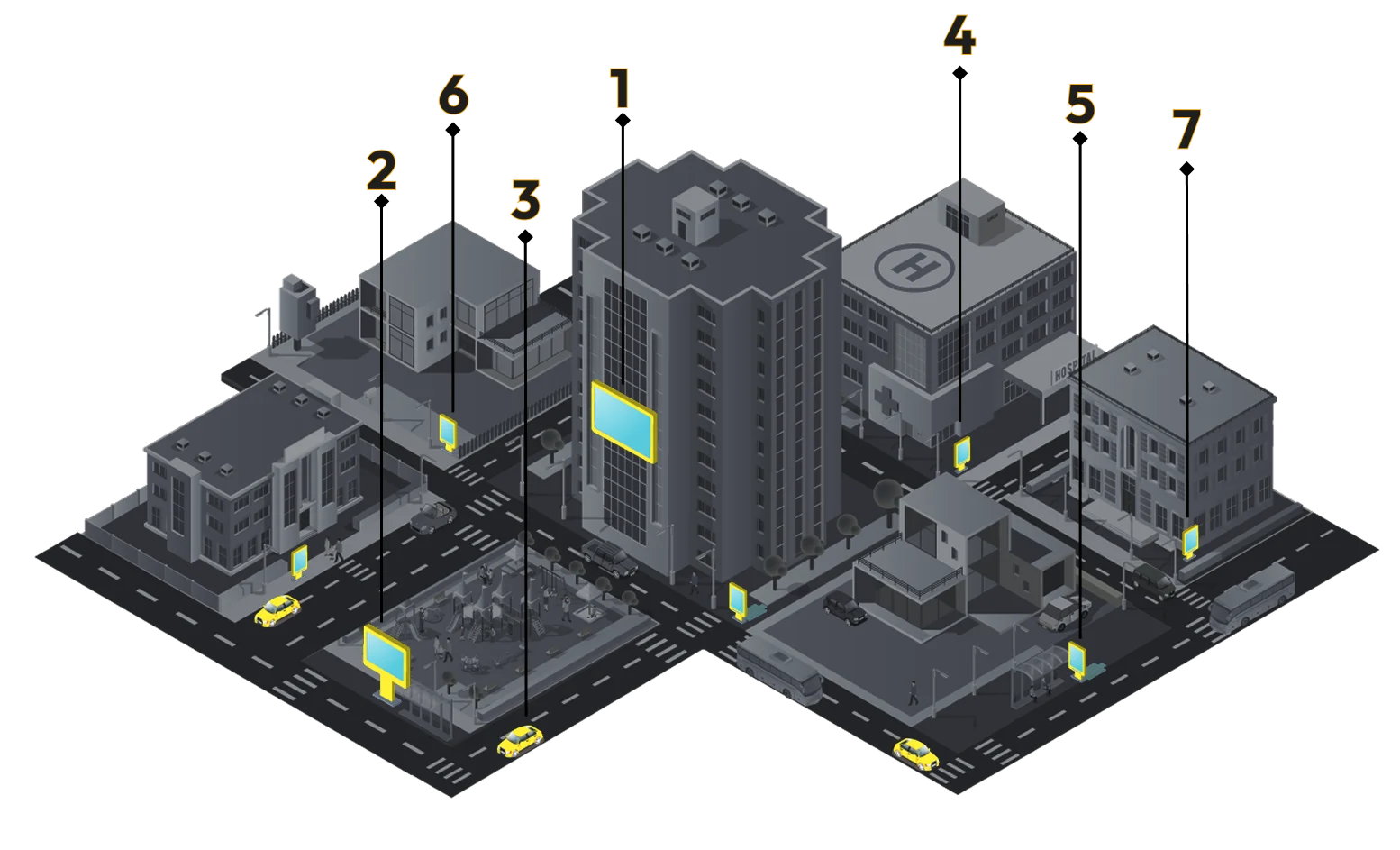
Possible applications

  1. Commercial and residential buildings
  2. LED panels
  3. Vehicles
  4. Clinics and hospitals
  5. Circulation routes
  6. Industries
  7. Retail locations
Neonews applications diagram across different screen types

Hire NEONEWS in 3 simple steps

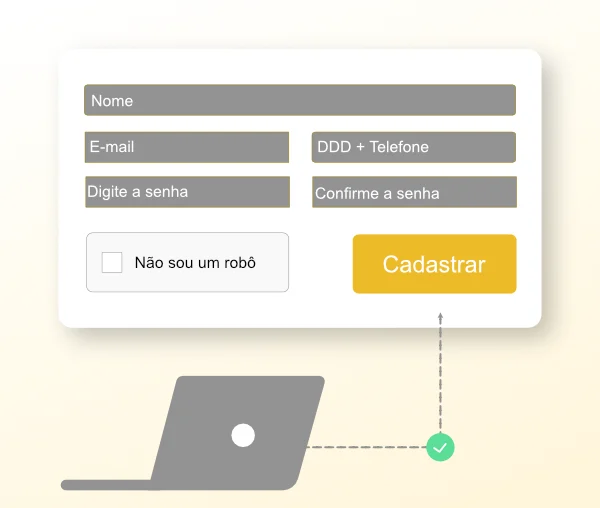
First step to get Neonews
Sign-up step icon

Sign up

Sign up through the website and activate your account.
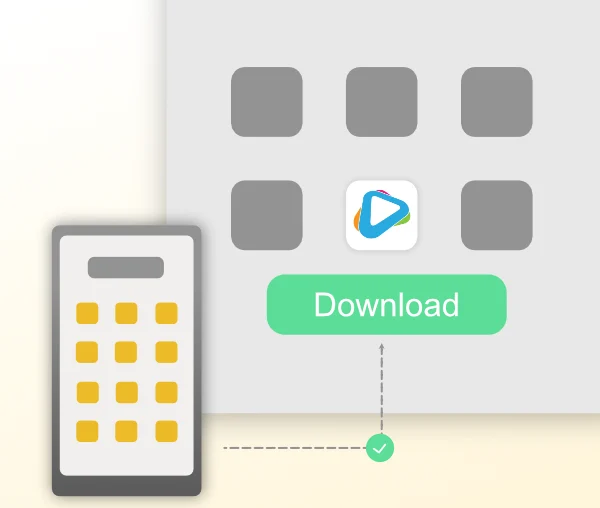
Second step to get Neonews
Neonews Player step icon

Neonews Player

Download the app and start Neonews Player.
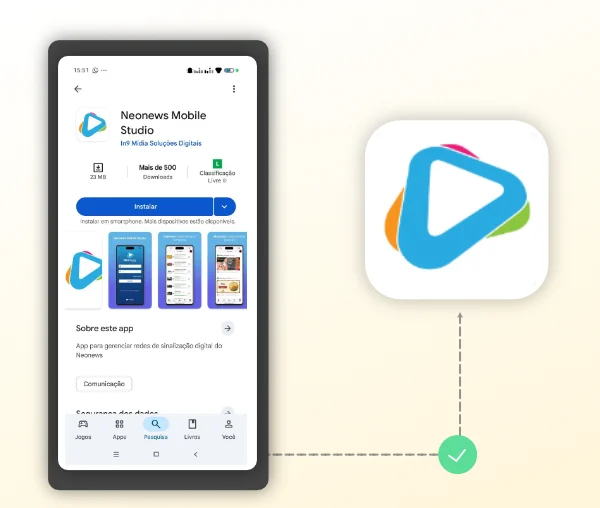
Third step to set up Neonews
Neonews Mobile Studio step icon

Neonews Mobile Studio

Open Neonews Studio on web or mobile and scan the QR code.
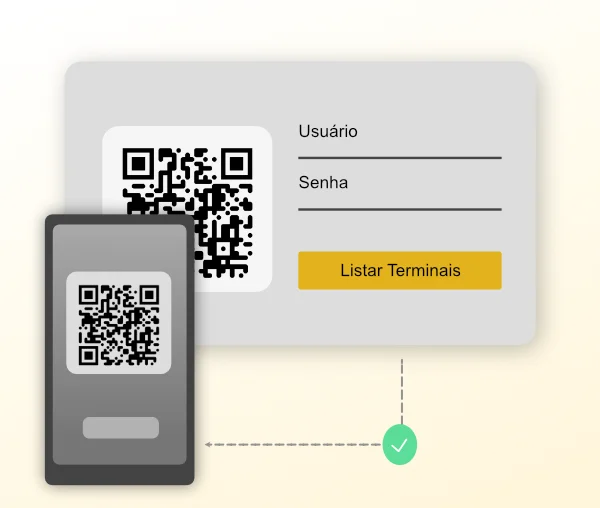
Fourth step to publish content on Neonews
Content management step icon

Manage your content

Open Neonews Studio on web or mobile and scan the QR code.
Take full control of your Digital Signage.

Frequently asked questions

Two different solutions working together to bring more simplicity, organization, predictability and even more revenue through waiting-room media. Our sales team will be glad to understand your needs.

Which operating systems does Neonews Player support?

Windows and Android.

Yes. We can register website feed/RSS sources and public social media profiles.

Yes. We can apply multiple screen frames based on the client project.

Yes. Just enable the playback log option inside the content. Once the media is displayed on the terminal, the information is recorded and can later be used to generate a report.

Fire TV, Izy Player Intelbras, Aquario STV 3000/2000 TV and Xiaomi TV.

Yes. By linking an online radio station, audio can play in the background while content is shown on screen.

Which operating systems does Neonews Player support?

Windows and Android.

Can I display social media and external content channels?

Yes. We can register website feed/RSS sources and public social media profiles.

Can Neonews split the screen into frames?

Yes. We can apply multiple screen frames based on the client project.

Can I generate reports for content displayed on the platform?

Yes. Just enable the playback log option inside the content. Once the media is displayed on the terminal, the information is recorded and can later be used to generate a report.

Which devices are approved for Neonews Player?

Fire TV, Izy Player Intelbras, Aquario STV 3000/2000 TV and Xiaomi TV.

Can I use a music playlist during playback?

Yes. By linking an online radio station, audio can play in the background while content is shown on screen.

Does your system include audience detection?

Yes. Just connect a USB camera pointed at the audience and configure it in the system. Important: the recommended distance is 2 meters.

Which dynamic content can Neonews add to playlists?

News, weather forecast, soap operas, finance, quotes, cinema, round highlights, championship standings, accurate time, health and more.

Can I connect broadcast TV to Neonews?

Yes. With external equipment such as a capture card, digital converter and antenna, it is possible to configure and lay out the broadcast alongside other content.

Can the Neonews manager/admin be customized?

Yes. By creating a subdomain pointed to our address, some images and manager colors can be customized.
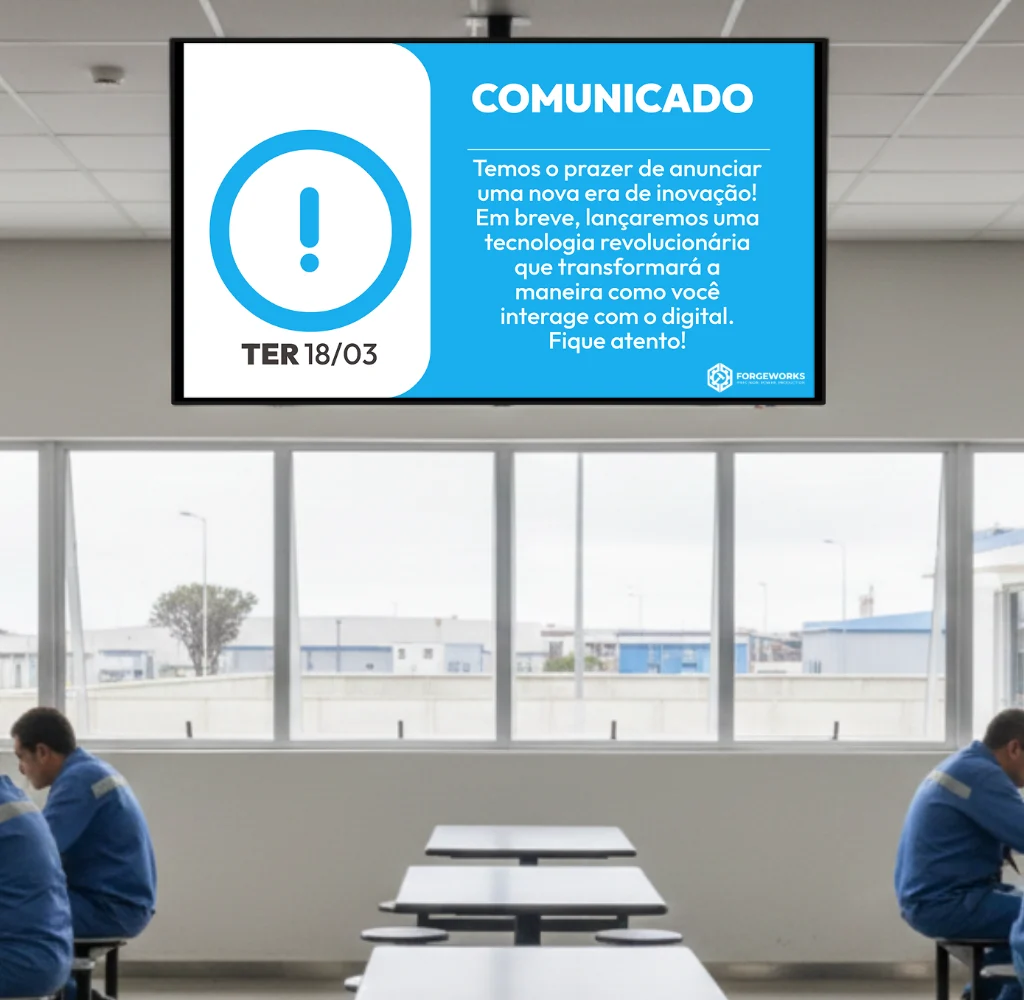
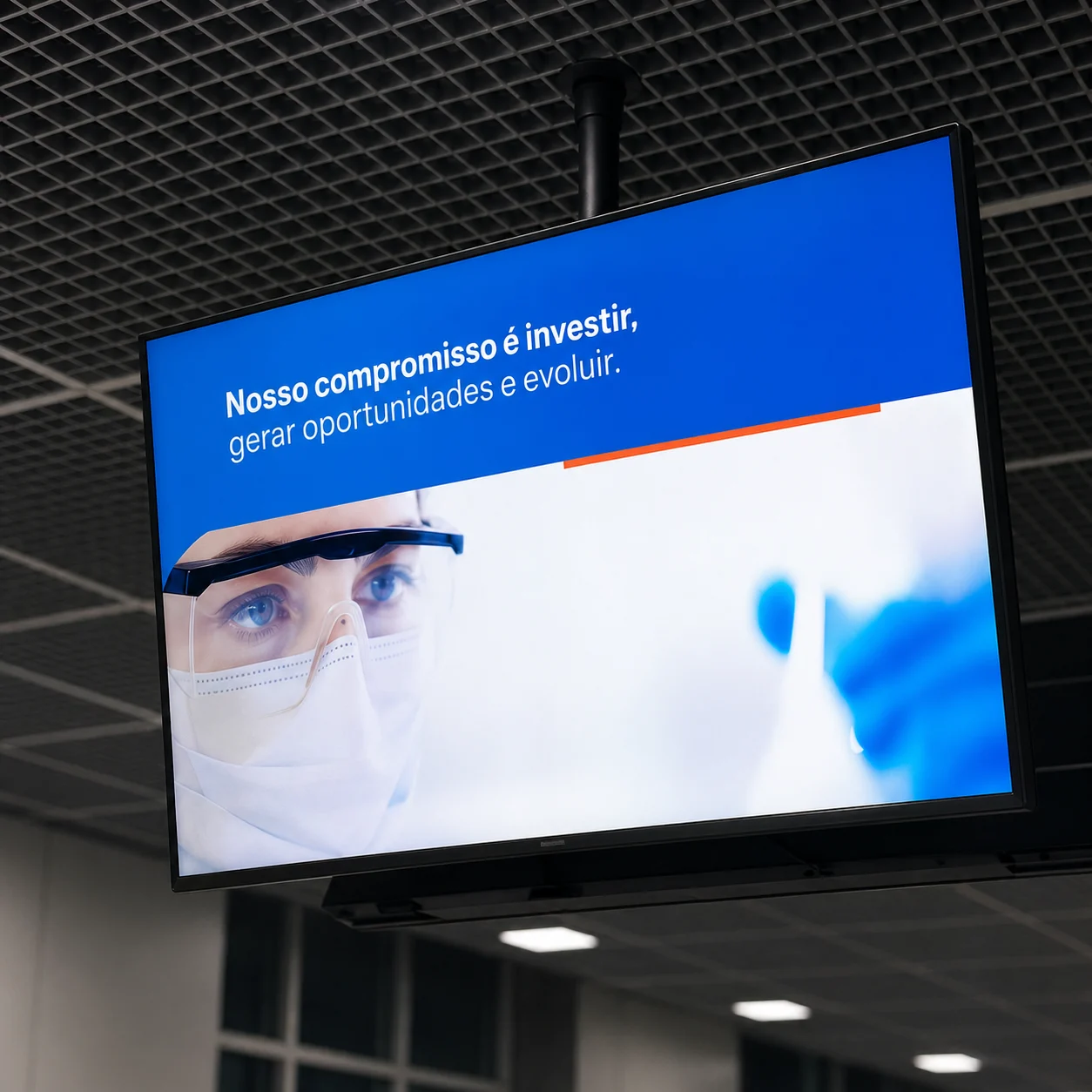
With our platform, you gain efficiency, consistency and impact across all your communication channels.

Take full control of your Digital Signage.

Optimize your company marketing with Neonews Studio

In9 Mídia color symbol